
Please follow these steps to opt in or out of the Macat newsletter emails. You account will automatically opt in by default.
- Select the Grid menu in the top right hand corner

- Choose Account Settings

- Choose Change Notification
To opt out. Deselect "Macat Newsletter" and choose Submit
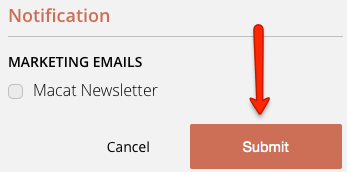
To opt in. Select "Macat Newsletter" and choose Submit

Comments